Applicants may give themselves multiple roles in the application. For example, if you are acting as a property owner, payer, or agent in your application, you can designate yourself in those roles in the PARTIES TO THE APPLICATION section. The number of assigned roles is not limited. Furthermore, the Applicant role will be automatically granted permission to modify and create new applications.
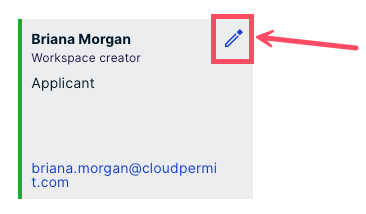
- In the application workspace, scroll to PARTIES TO THE APPLICATION. Select your party card and click the pencil symbol next to your name.
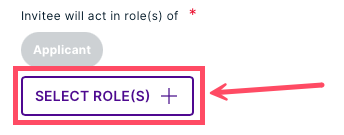
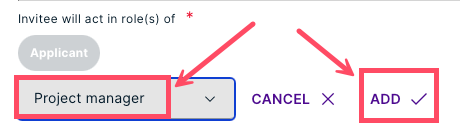
- Click the SELECT ROLES button to update your roles. Select your roles via the drop-down, then click ADD. The number of selected roles is not limited. Cloudpermit automatically saves your selection.
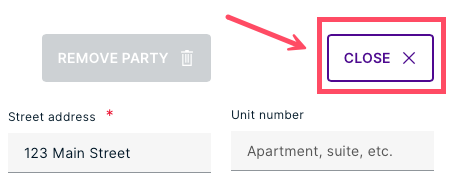
- Return to the PARTIES TO THE APPLICATION section by clicking CLOSE.
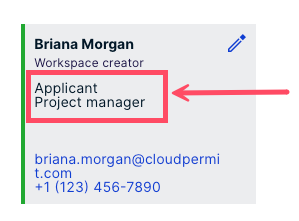
- The selected roles are now visible on your party card.
Was this article helpful?
That’s Great!
Thank you for your feedback
Sorry! We couldn't be helpful
Thank you for your feedback
Feedback sent
We appreciate your effort and will try to fix the article