Associating a Bond to a Workspace
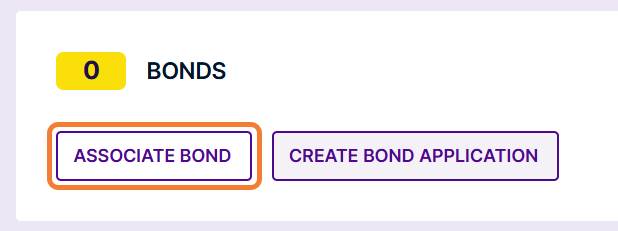
If a bond is required on your application and you already have a bond in Cloudpermit, navigate to the workspace and click the Associate Bond button.
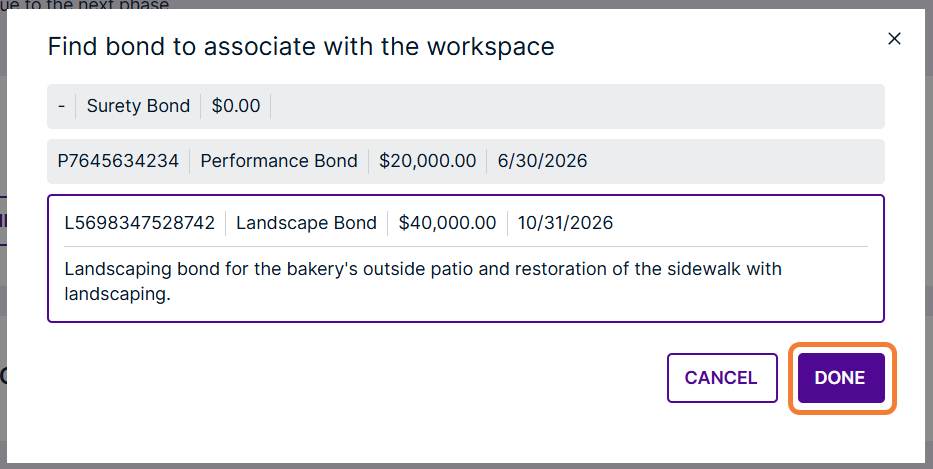
Select an available bond and click the Done button.
Disassociate a Bond from a Workspace
Business Rule: Once a bond has been verified the applicant cannot dissociate the bond.
Open the workspace.
Click the Dissociate Bond button.
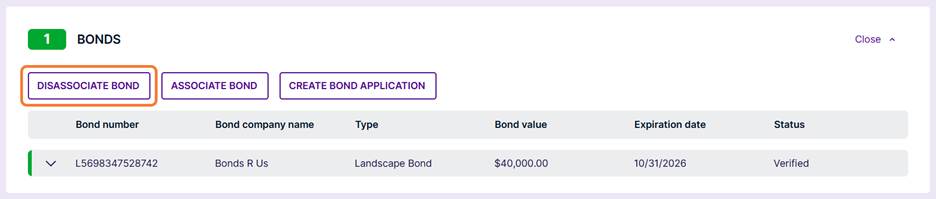
The bond has been disassociated.

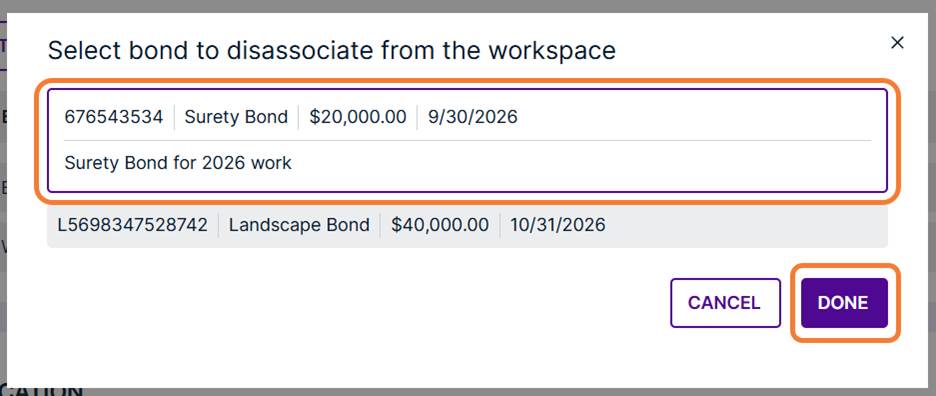
If there is more than one bond associated, select bond to remove and click the Done button.
An applicant can always Associate a Bond or Create a Bond Application.
Was this article helpful?
That’s Great!
Thank you for your feedback
Sorry! We couldn't be helpful
Thank you for your feedback
Feedback sent
We appreciate your effort and will try to fix the article