All bond details are viewable to both the bond owner and the municipality's bond administrator.
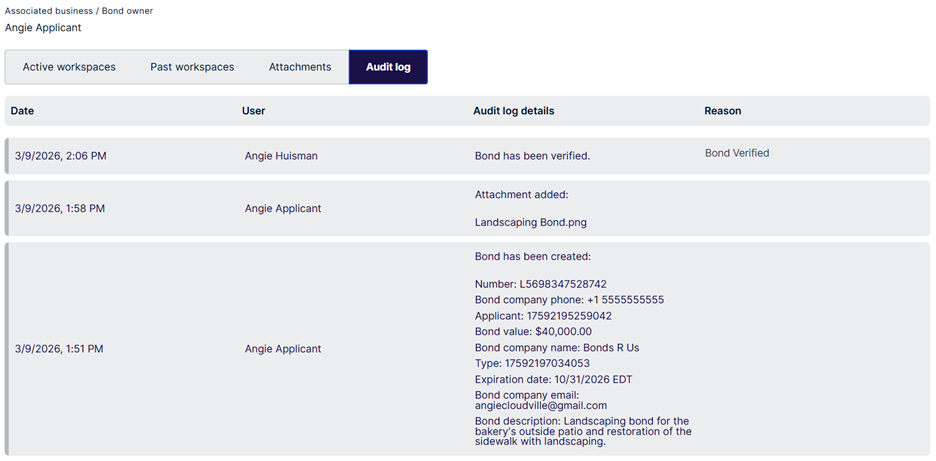
Bond details are categorized in tabs for Active Workspaces, Past Workspaces, Attachments and the Audit Log.
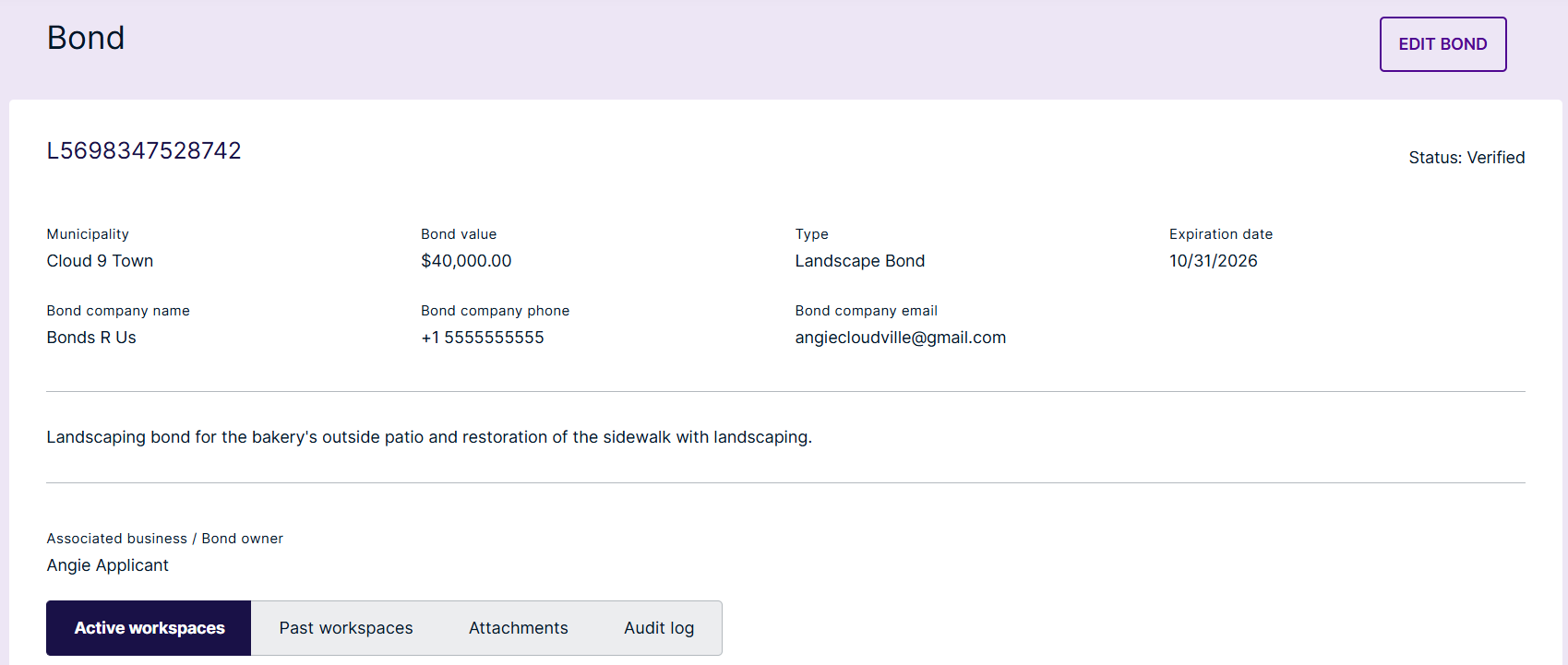
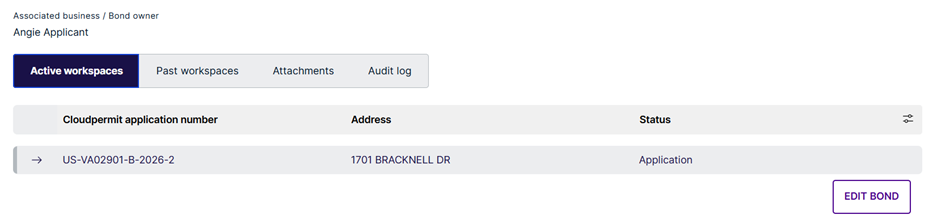
Active workspaces – All current workspaces associated to the bond
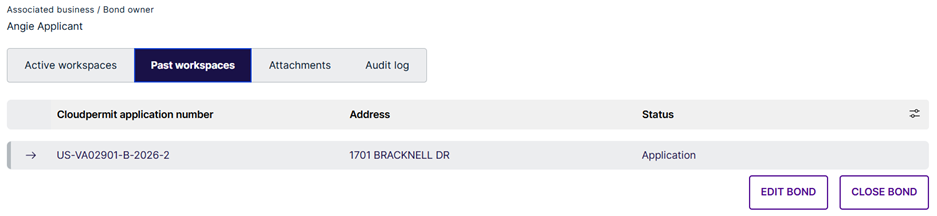
Past workspaces – Any closed workspaces associated to the bond
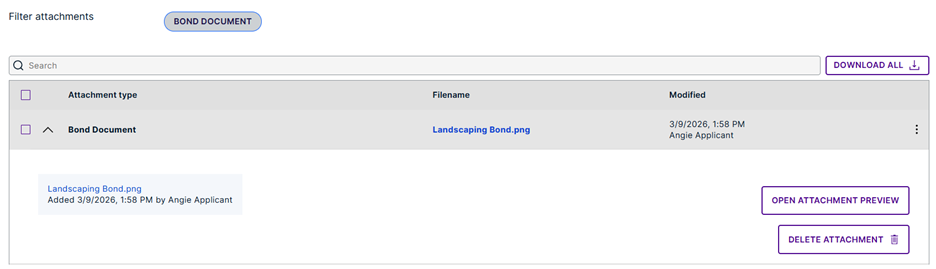
Attachments – Any attachments associated with the bond
Audit log – All processes associated to the bond including the following
Date
User
Audit log details
Reason (notes from an edited bond or closed bond
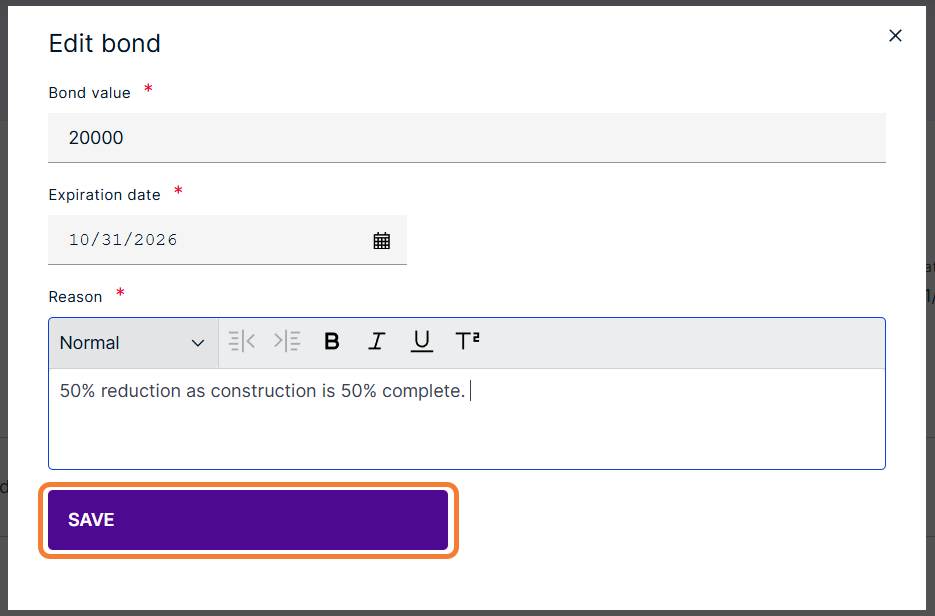
Edit bond – once verified this will allow applicants to edit the expiration date or bond amount (if enabled within the configuration)
All bond details are viewable to both the bond owner and the municipality's bond administrator.
Bond details are categorized in tabs for Active Workspaces, Past Workspaces, Attachments and the Audit Log.
Was this article helpful?
That’s Great!
Thank you for your feedback
Sorry! We couldn't be helpful
Thank you for your feedback
Feedback sent
We appreciate your effort and will try to fix the article