Cloudpermit license renewals are processed via a workflow and not using the application submittal wizard that was used when applying for the original license.
Option 1: Using the Renewal Email
Use the Open License button to log into Cloudpermit.
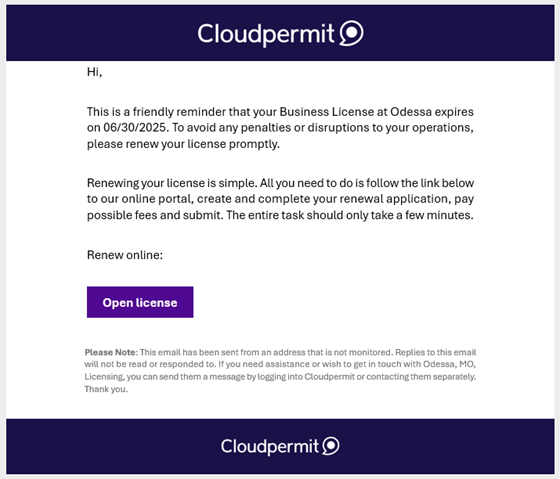
The link will navigate directly to the License and to step 3 below.
Option 2: By logging into Cloudpermit directly.
1. Go to the Licensing section of the Dashboard and click the Search Licenses item.

2. Search for the License and click Open License.
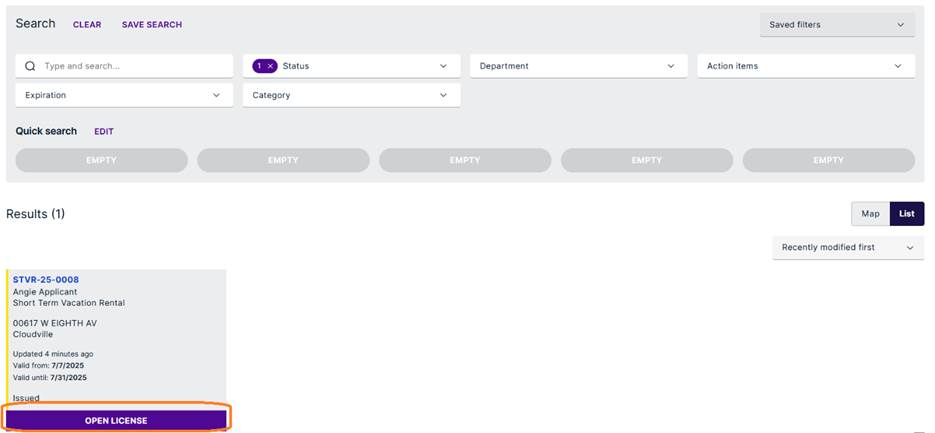
3. Click the Renew License button.

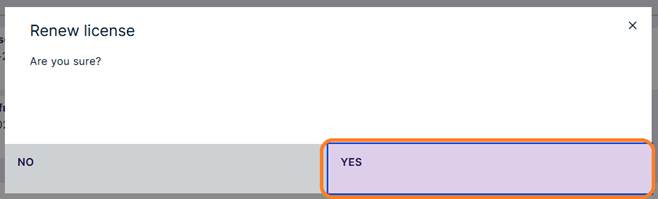
4. Confirm that you are ready to renew by clicking Yes.
5. Complete all required tasks.
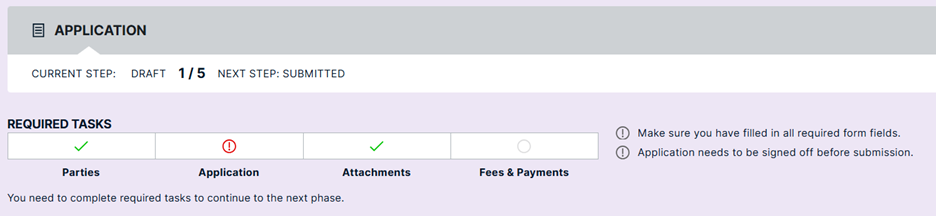
6. When all requirements are met, click the Sign Off Application button.

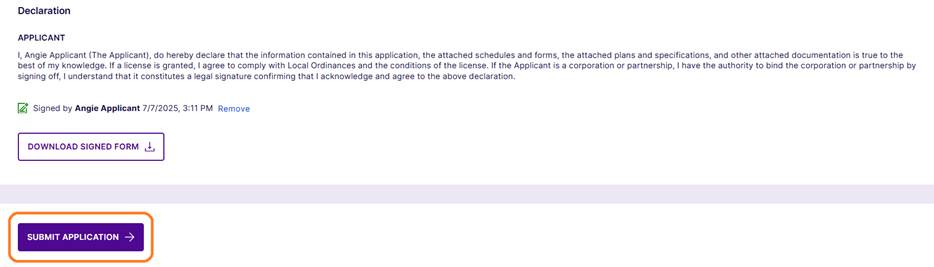
7. After reading the Declaration, click the Sign Off button to agree with the terms.

8. Once signed off the application can be submitted by clicking the Submit Application button.
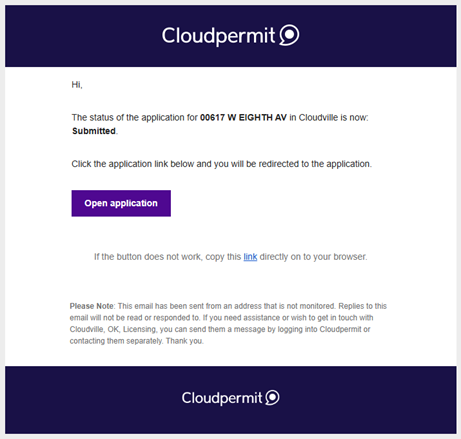
9. An email confirmation will be sent confirming the submittal.
Was this article helpful?
That’s Great!
Thank you for your feedback
Sorry! We couldn't be helpful
Thank you for your feedback
Feedback sent
We appreciate your effort and will try to fix the article