Completing the payment for the license fee online and submitting your application involves a few key steps:
- Access the Payment Section: After completing your application, click on the "Continue to Payment" button to navigate to the "Fees and Payments" section of your application workspace. Here, instructions provided by your municipality on how to proceed with the online payment will be displayed.
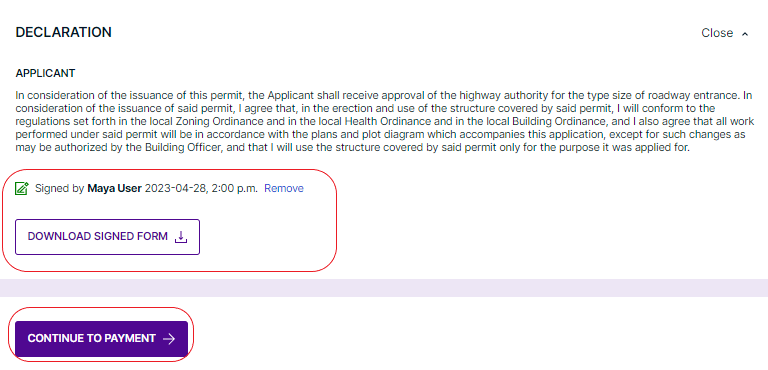
- Invoice and Payment Options: If you prefer to pay the license fee offline, you'll find an invoice PDF available for download within this section. Should you encounter any difficulties with the online payment process or require further assistance, it's recommended to get in touch with your city's department directly.
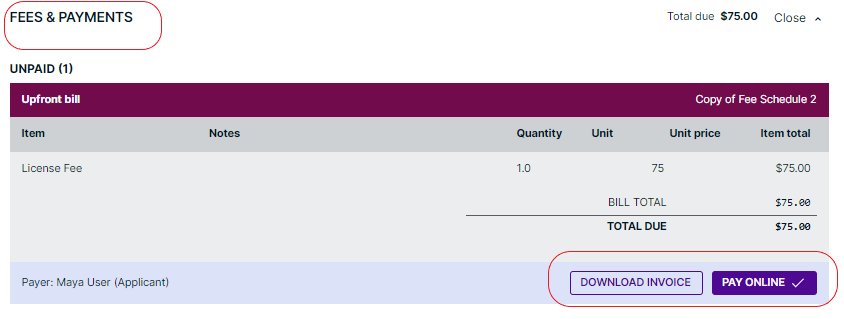
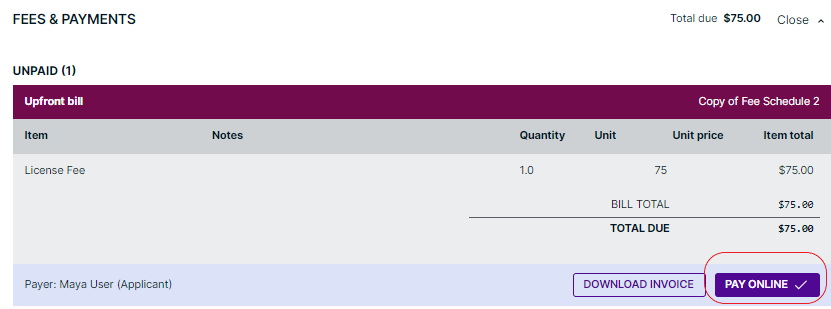
- Initiate Online Payment: To pay online, click the "Pay Online" button. This action will redirect you to the service page of the payment provider. Follow the instructions specified on this page carefully to complete your payment.
- Finalize Submission: After successfully paying the fee, return to the application workspace header and select "Submit Upon Payment." This action confirms your payment and formally submits your application to the municipal department for processing.
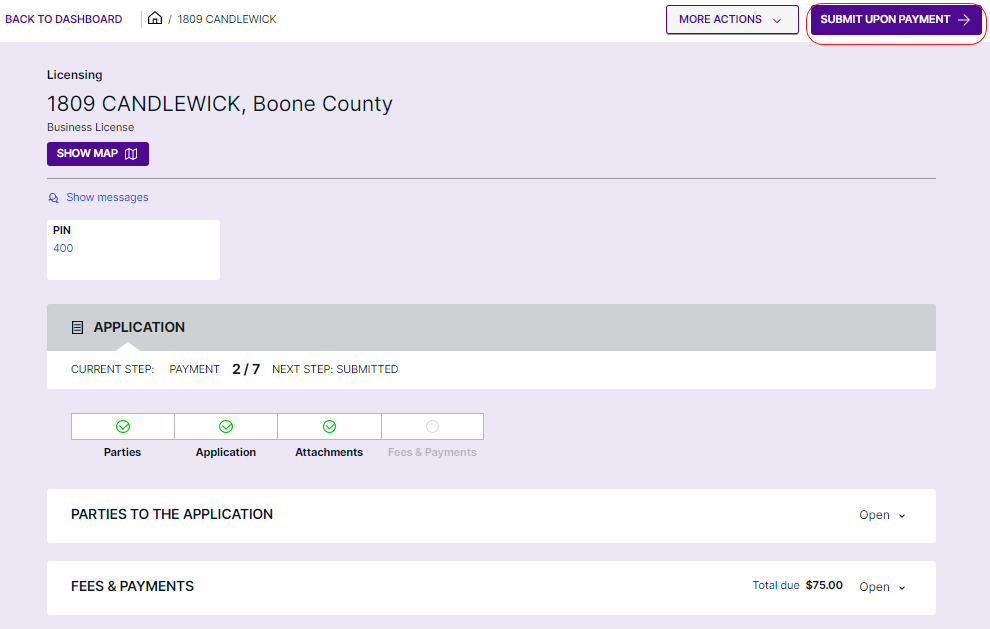
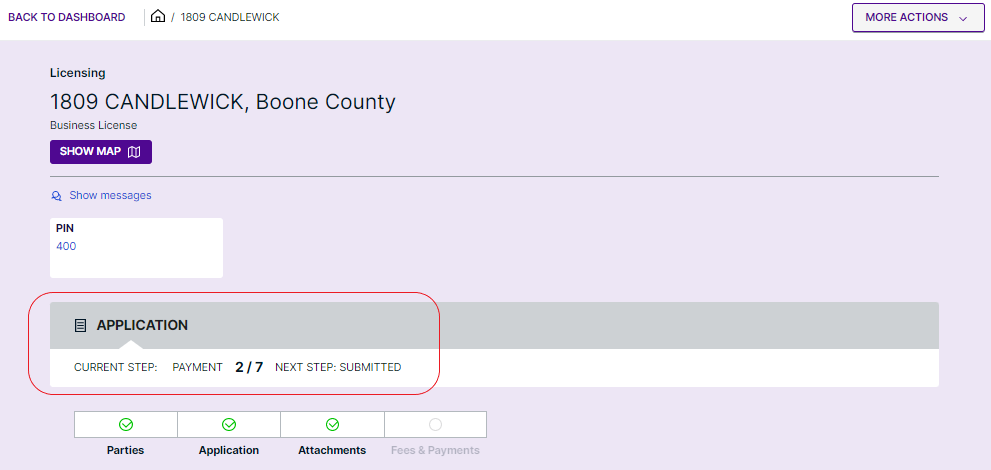
- Application Status Update: Upon submission, your application will initially be marked as in the "Payment" step. Once the municipal department acknowledges the receipt of your fee payment, the status will update to "Submitted." Your application will subsequently advance to the "In Review" phase, where it will be assessed by the municipal authorities.
Was this article helpful?
That’s Great!
Thank you for your feedback
Sorry! We couldn't be helpful
Thank you for your feedback
Feedback sent
We appreciate your effort and will try to fix the article