Applicants can cancel their draft applications from the Cloudpermit database. However, there are important considerations to note before proceeding with the deletion.
Canceling a draft application permanently erases all information entered during the application process.
Steps to Cancel a Draft Application:
- Navigate to the desired draft application.
- Note: Only draft applications can be canceled; however, submitted application can be withdrawn. For more information, see our article about Withdrawing a Submitted Application.
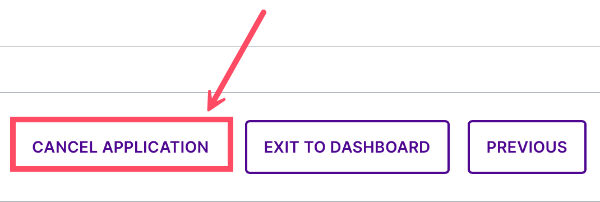
- At the bottom of the page, click CANCEL APPLICATION.
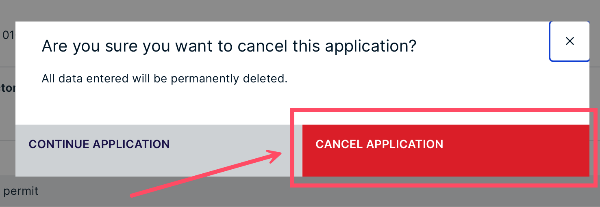
- Confirm your choice by clicking CANCEL APPLICATION.
- Your draft application has been deleted from the system. If that application is the only project in a workspace, the corresponding workspace will also be deleted.
Was this article helpful?
That’s Great!
Thank you for your feedback
Sorry! We couldn't be helpful
Thank you for your feedback
Feedback sent
We appreciate your effort and will try to fix the article