In Cloudpermit, users have the option to create a supplemental application for an existing project. This guide provides step-by-step instructions on how to create an application for an existing project within the Cloudpermit platform.
- Begin by navigating to your Dashboard within Cloudpermit.
- Click the NEW APPLICATION button.

- Select your Municipality.

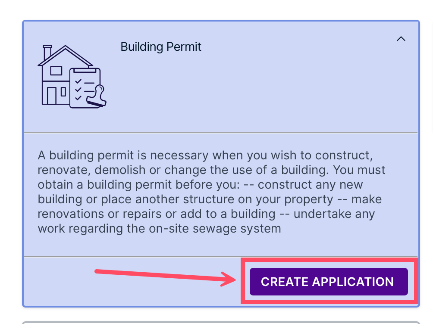
- Select the type of application, then click CREATE APPLICATION.
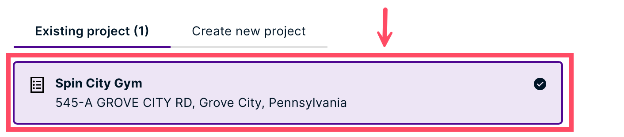
- Scroll down and click the Existing project tab. The number beside this text shows how many existing applications your municipality has on file.
- Click your desired project to select it.
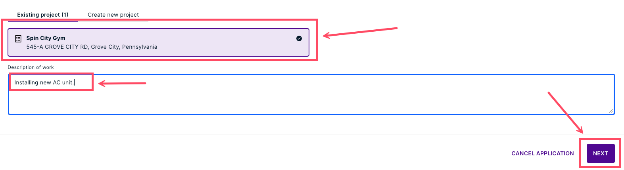
- Add a Description of work, then click NEXT.
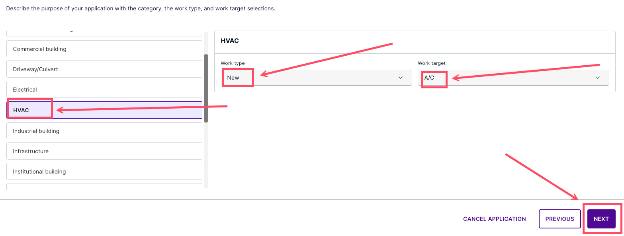
- Choose a category, work type, and work target, then click NEXT.
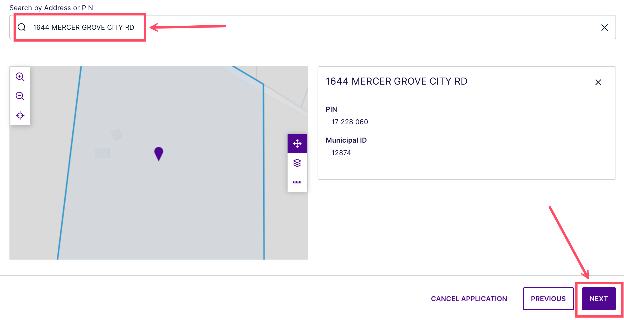
- Search for your property via address or PIN, then click NEXT.
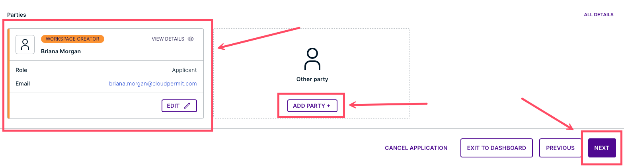
- Add any necessary Parties and Roles to the workspace. For more information, see our article on Managing Parties, Roles, and Permissions. Then, click NEXT.
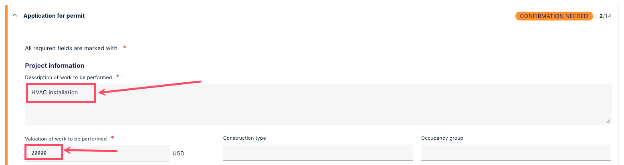
- This view will show you all the parts of the application that need to be completed. You should see REQUIRED FIELDS MISSING beside these incomplete sections. Click the Application for permit dropdown to open it.

- Fill out all required fields. Any items marked with a red asterisk are required before proceeding.
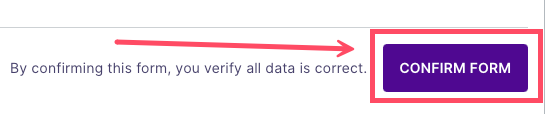
- Verify all data is correct, then click CONFIRM FORM.

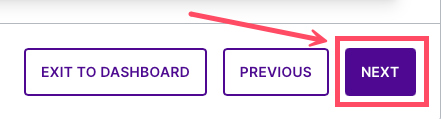
- Repeat steps 11-13 for any remaining sections of the application (if applicable). Then, click NEXT at the bottom of the page.
- Upload supporting attachments by dragging and dropping or browsing the files on your computer.

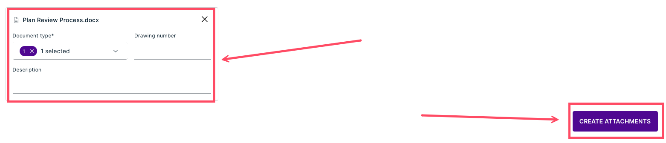
- Edit the attachment information, then click CREATE ATTACHMENTS.
- Once you have uploaded all relevant documents, click NEXT.

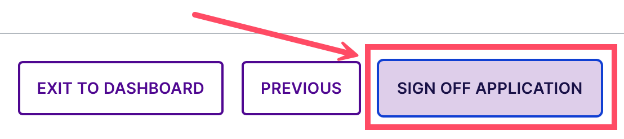
- Review the summary information, ensuring all information is correct and all required fields have been filled out. When you are ready to move on, click SIGN OFF APPLICATION.
By following these steps, users can easily create a supplemental application for an existing project in Cloudpermit. This functionality streamlines the process of adding new applications to ongoing projects, ensuring efficient project management within the platform.
If you encounter any difficulties or require further assistance, please do not hesitate to reach out to our support team for help.
Was this article helpful?
That’s Great!
Thank you for your feedback
Sorry! We couldn't be helpful
Thank you for your feedback
Feedback sent
We appreciate your effort and will try to fix the article