If you need to return a submitted application to the draft phase, take the following steps:
- Navigate to your desired application.
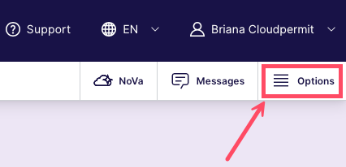
- Click Options, then click Go to sign off view.
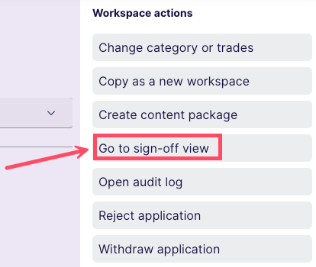
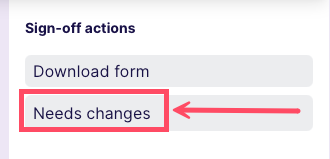
- Click Options again to access sign-off actions, then click Needs changes to return the application to the draft phase.
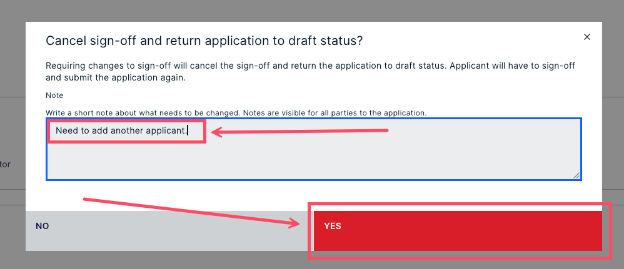
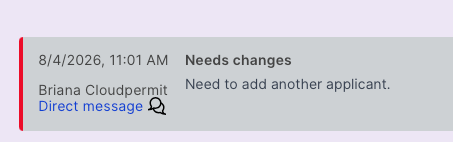
- In the text field, add a note describing what changes are needed. Then, click YES.
- You will see the new status at the top of the page, highlighted in red.
Was this article helpful?
That’s Great!
Thank you for your feedback
Sorry! We couldn't be helpful
Thank you for your feedback
Feedback sent
We appreciate your effort and will try to fix the article