Cloudpermit users can edit their personal information in the "My profile" section anytime. "My profile" is accessible through the Cloudpermit header.
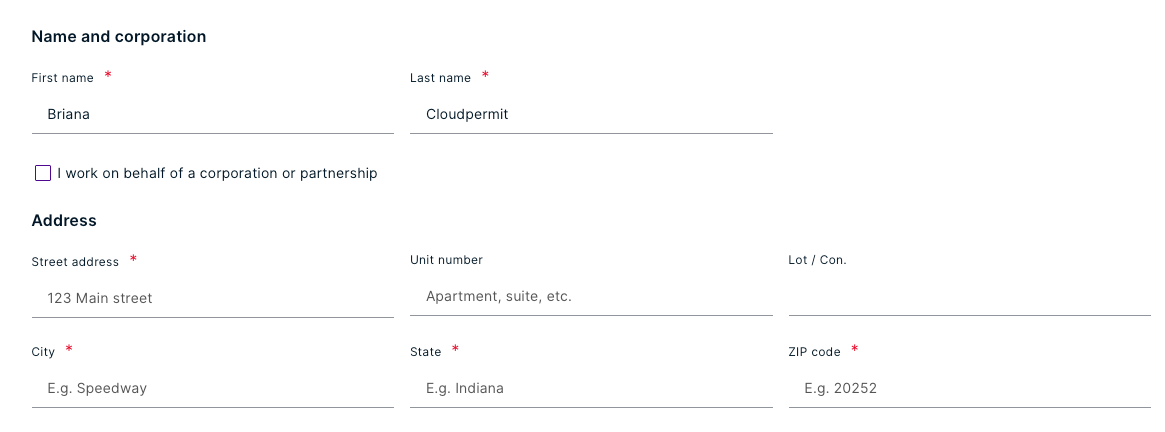
User-generated information such as a name, address, and phone number can be found in the "My profile" section. You can include a corporation or a partnership in the data if you work on their behalf. In addition, your company's licenses can be stored in your profile data, and you can manage your account passwords in "My profile."
Note: Each Cloudpermit account is associated with a single email address that cannot be changed. You must create a new Cloudpermit account to use a different email address. Assume you already have permits or applications in the works. We recommend you start over by creating a new Cloudpermit account using your new email.
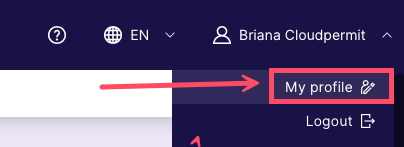
- Navigate to the User Menu in the header. Select My profile from the drop-down menu.
- Make changes to your personal data. Your changes will save automatically.
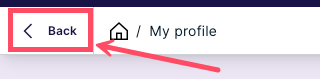
- To return to your dashboard, click the < BACK button at the top of the page.
Was this article helpful?
That’s Great!
Thank you for your feedback
Sorry! We couldn't be helpful
Thank you for your feedback
Feedback sent
We appreciate your effort and will try to fix the article